Cursor Alternatives: 5 AI Coding Tools Compared (2026)
Summary
Cursor alternatives worth testing in 2026, and what each one actually fixes. GitHub Copilot wins on GitHub-native workflow, Cline wins on cost and transparency, Cody wins on multi-repo reach, Continue.dev and Aider win on model choice. Compared on entry price, interface, model flexibility, agent autonomy, and large-codebase handling, with pros, cons, and a defensible pick for teams of 5 to 50 engineers deciding whether to keep paying for Cursor.
You searched "cursor alternatives" because something specific is broken: the bill, the context window, or the fact that your team lives on GitHub and Cursor doesn't. Here's the honest answer. GitHub Copilot wins on ecosystem fit, Cline wins on cost and transparency, Cody wins on multi-repo reach, and Continue.dev or Aider win if you want to own the model choice. No single tool replaces Cursor at everything it does; each one replaces it at the specific thing you're annoyed about.
Why people go looking for a Cursor alternative
Three complaints show up again and again in engineering Slack threads. First, billing: Cursor's credit-based pricing on the higher tiers gets unpredictable once an agent runs for an hour unattended. Second, context: independent audits keep finding that the usable context window is smaller in practice than the advertised 200K tokens, which matters the moment your repo crosses 50K lines. Third, governance: a proprietary, closed-source VS Code fork is a harder sell to a security team than an open extension they can actually audit.
None of these are reasons Cursor is bad. They're reasons a specific team, at a specific size, with a specific codebase, might be better served by something else.
The five alternatives, and what each one actually replaces
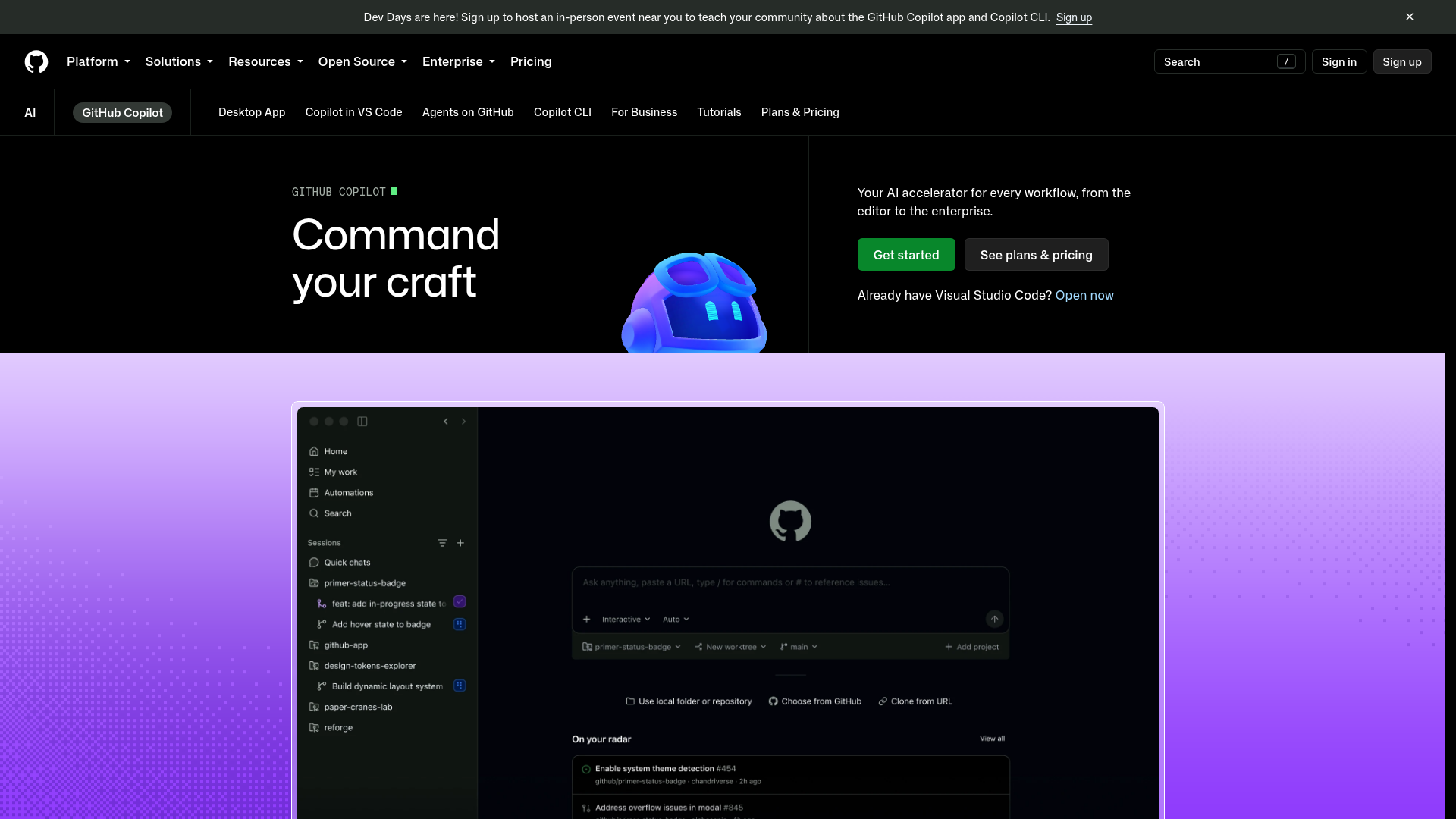
GitHub Copilot replaces Cursor when your team's real workflow is GitHub, not the editor. Copilot Workspace and the coding agent can pick up an Issue and open a draft PR without anyone touching an editor at all, and the org-wide policy controls are built for a security team, not bolted on. The tradeoff arrived this year: GitHub moved Copilot to usage-based AI Credits billing in June 2026, and an Enterprise seat is $39/user/month before you account for a heavy agent workload. It's the safest default for a team that already lives inside GitHub end to end.
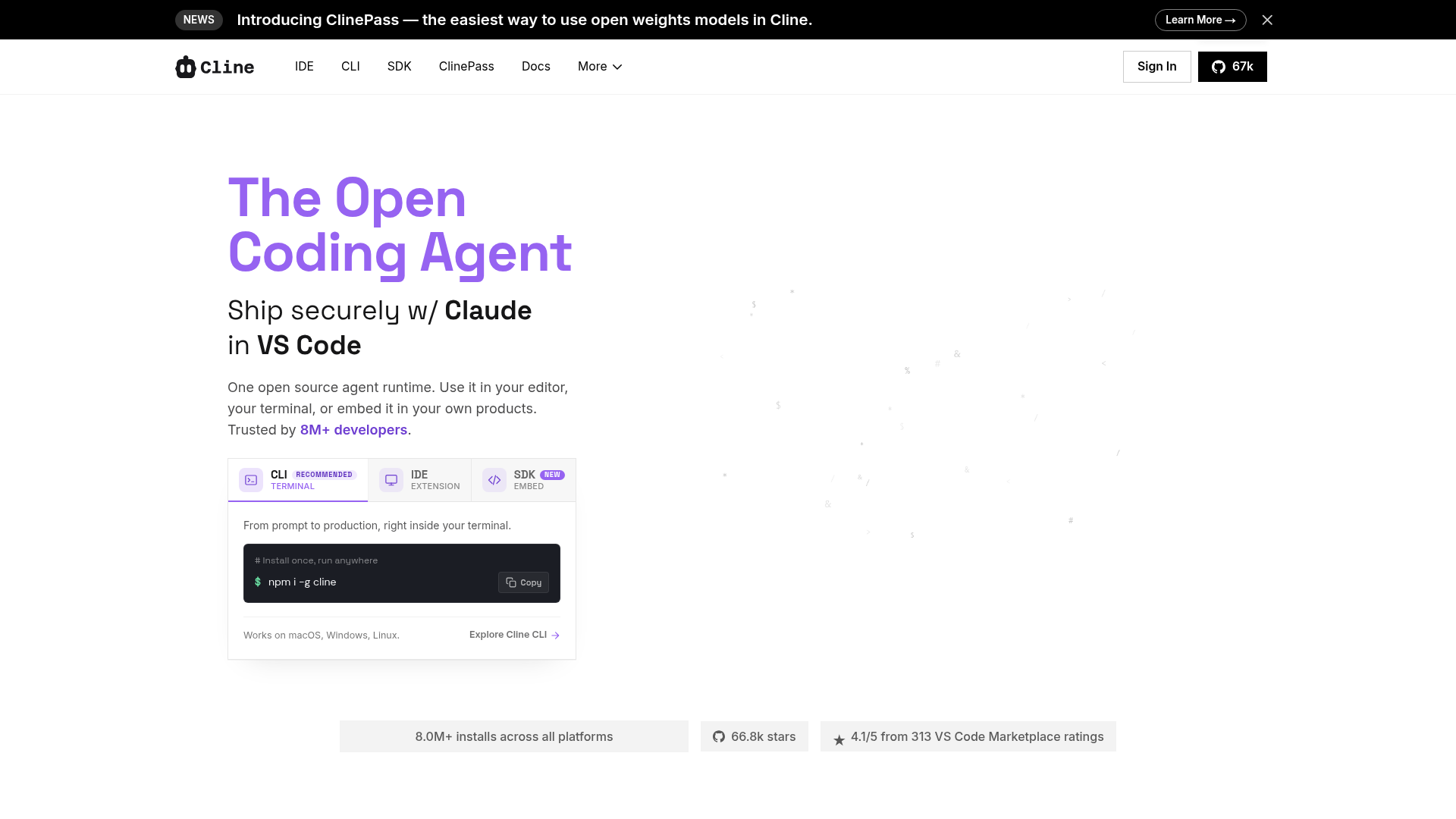
Cline replaces Cursor when the actual objection is the subscription. It's free and fully open source, you bring your own API key across more than 30 model providers, and you pay the model directly instead of a markup on top. It became the most-installed AI coding agent in the VS Code marketplace in 2026, past 5 million installs, largely because Plan/Act mode gives you a review step before code actually changes: the agent proposes a plan, you approve it, then it executes. It reads the whole repo, edits files, runs terminal commands, and can drive a browser to check its own work. The catch is that an unsupervised large task can burn real API spend fast, and there's no built-in multi-model routing UI, you wire up each provider yourself.
Continue.dev replaces Cursor when you need to pick the model, not the vendor. It's open source, self-hostable, and runs fully offline against a local model through Ollama if that's a hard requirement. Agent behavior is configured in a few lines of YAML with shell, file, and web-search tools attached. The same config runs in both VS Code and JetBrains, which matters if your team isn't standardized on one editor. What you give up is a polished usage dashboard: this is a tool for a team that wants to own the decision of which model touches its code, not one that wants a finished product out of the box.
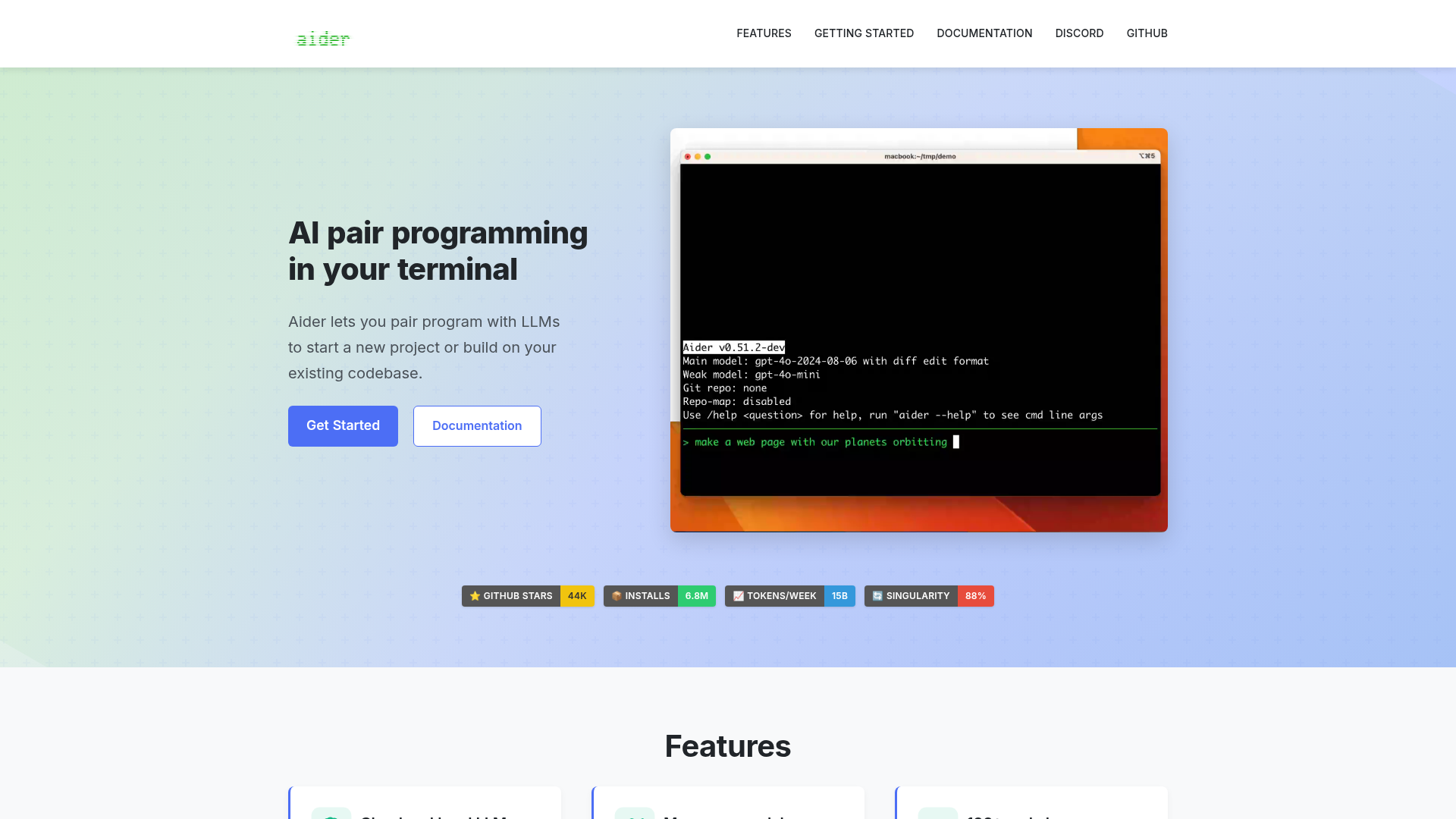
Aider replaces Cursor's Agent mode specifically, from the terminal. No GUI, no editor lock-in: it builds a repo map for context, applies changes as diffs, and auto-commits each successful change with a generated commit message. It supports more than 100 languages and lets you swap in a local model per task. If your objection to Cursor is "I don't want another editor," Aider is the closest thing to Cursor's autonomous agent with zero subscription and a fully git-native audit trail. It's not built for keystroke-level autocomplete though: this is a change-and-commit loop, not a Tab-completion engine.
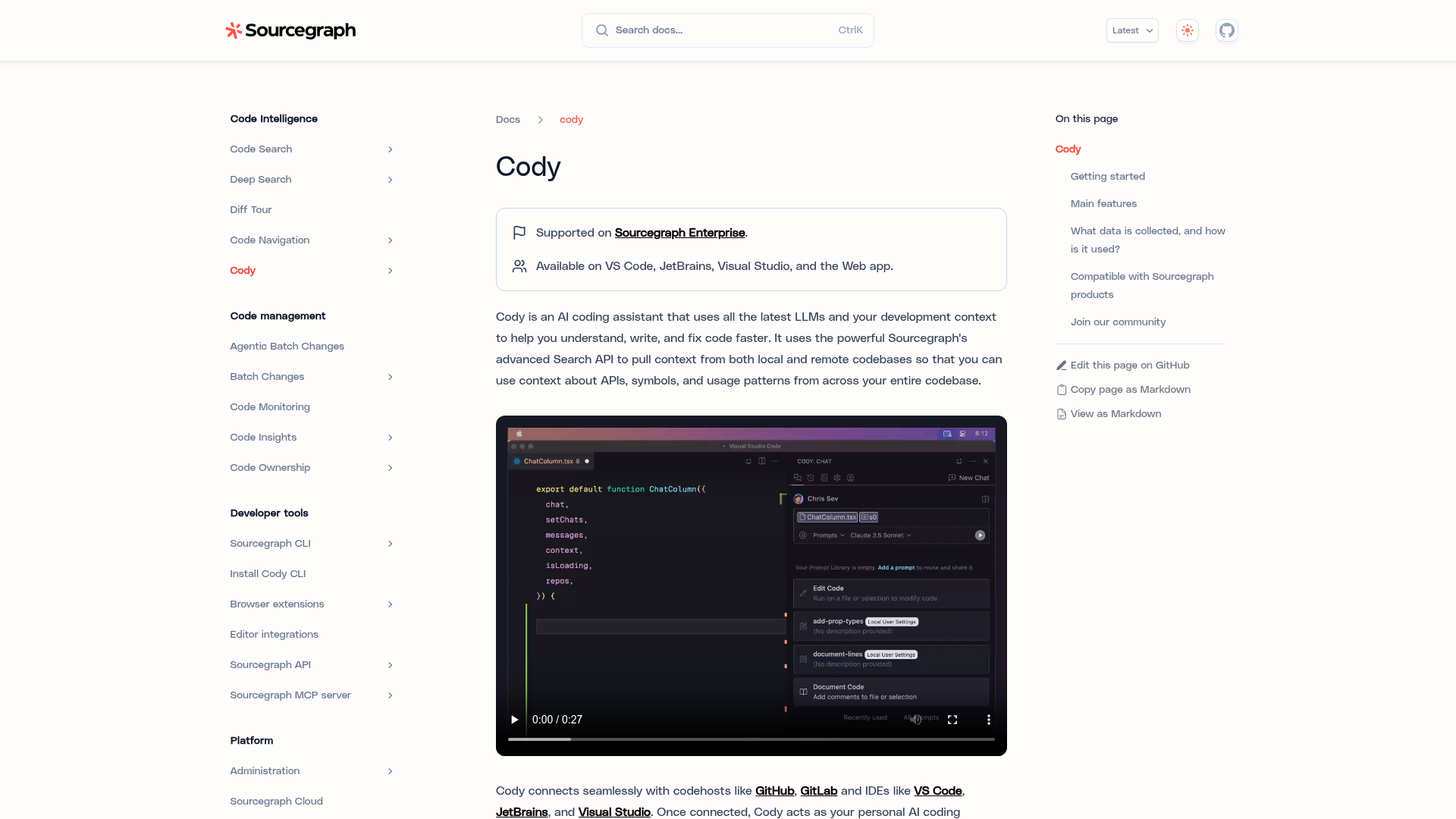
Sourcegraph Cody replaces Cursor when the actual pain is multi-repo blindness, not autocomplete quality. It's the only tool on this list that retrieves relevant code from up to 10 repositories simultaneously, which matters if your architecture spans several services and nobody's mental model covers all of them. It's built on Sourcegraph's code-search platform, so batch changes and cross-repo navigation come for free. The cost: Sourcegraph killed the free and self-serve Pro tiers in mid-2025, so Cody is now enterprise-only, contact-sales pricing, with heavier setup than a plug-in extension. It's not for an indie developer or a five-person team.
What actually changed since Cursor got popular
The market moved in two directions at once this year. GitHub and Cody both pushed further into enterprise governance and usage-based billing, betting that the buyer is a platform team with a budget line, not an individual developer with a credit card. Cline moved the opposite way: free core product, bring-your-own-key, and it's now the most-installed agent in the VS Code marketplace precisely because it undercuts the subscription model entirely. If you're choosing between these five, that split, governed-and-billed versus free-and-transparent, is a bigger decision than any single feature comparison.
Our pick, and why it isn't the obvious one
We're naming Cline as the strongest general alternative, not because it's the most powerful agent on this list (Cody's cross-repo retrieval and Copilot's GitHub-native workflow both do things Cline doesn't), but because it removes the two most common objections to Cursor at once: it's free, and it's fully auditable open source. For a team of 5 to 50 engineers deciding whether to keep paying for Cursor, that combination usually settles the argument faster than a feature checklist does.
That said, the honest answer depends on which complaint brought you here. If it's the bill and you're already deep in GitHub, take Copilot. If it's context on a codebase that spans several repos, only Cody actually solves that, and you'll pay enterprise rates for it. If it's model lock-in, Continue.dev or Aider both let you swap providers without touching your workflow.
How we compared them
We read the current pricing pages, changelogs, and independent context-window audits for all six tools as of August 2026, cross-checked feature claims against each vendor's own documentation, and weighted the criteria toward what actually breaks in production: billing predictability, real multi-repo reach, and how much setup a team has to do before the tool earns its keep. We did not run all six against the same private repo end to end; where a claim comes from a third-party benchmark rather than our own test, the product card says so.
At-a-glance
| GitHub Copilot | Cline | Continue.dev | Aider | Sourcegraph Cody | |
|---|---|---|---|---|---|
| Entry price | $10/mo Pro (free tier exists) | Free extension, pay only API cost | Free extension, pay only API cost | Free CLI, pay only API cost | Enterprise-only, custom quote (no self-serve tier) |
| How you use it | Extension in VS Code/JetBrains plus github.com chat | VS Code extension, agent sidebar | VS Code or JetBrains extension | Terminal CLI, no editor required | Sourcegraph platform plus editor extension |
| Model choice | Curated model catalog, picker in chat | Bring your own key, 30+ providers | Bring your own key, any provider including local | Bring your own key, any provider including local | Fixed catalog, enterprise-managed |
| Autonomous agent depth | Coding agent opens draft PRs unattended | Plan/Act mode, approves each step | Configurable YAML agents with tool use | Auto-commits each diff, no plan/act split | Batch changes across repos, less step-by-step agent UX |
| Multi-repo / large codebase handling | Codebase indexing on the Enterprise tier only | Reads the whole repo, but one repo at a time | Repo-scoped, no built-in cross-repo search | Repo map limited to a single git repo | Queries up to 10 repositories at once natively |
GitHub Copilot
- Deepest native integration with GitHub PRs, Issues, and Actions
- Coding agent can pick up an issue and open a draft PR unattended
- Works across VS Code, JetBrains, Neovim, and github.com without switching tools
- Org-wide policy controls and audit logs built for regulated teams
- Moved to usage-based AI Credits billing in June 2026, so heavy agent use can burn the included allowance fast
- Chat quality trails Cursor-style agents on large multi-file refactors in independent benchmarks
- Business and Enterprise tiers add real per-seat cost once a team scales past a handful of engineers
The safest default when a team's whole workflow already lives inside GitHub.
Cline
- Free and fully open source, no subscription markup on top of model cost
- Most-installed AI coding agent in the VS Code marketplace in 2026, past 5M installs
- Plan/Act mode separates proposing a change from executing it
- Reads the whole codebase, edits files, runs terminal commands, and can check its work in a browser
- Agent runs can rack up real API spend fast on an unsupervised large task
- No native multi-model routing UI, each provider is configured by hand
- Governance and admin tooling is younger than the enterprise-first competitors
The best pick when the real objection to Cursor is the subscription, not the agent quality.

Continue.dev
- Fully open source and self-hostable, works offline with a local model via Ollama
- Model-agnostic across OpenAI, Anthropic, Gemini, Bedrock, Azure, or xAI without lock-in
- Agent mode configurable in a few lines of YAML with shell, file, and web-search tools
- Same configuration runs in both VS Code and JetBrains
- No polished built-in usage dashboard or team billing like the closed-source competitors
- Completion quality depends entirely on the model wired in, a cheap local model is noticeably weaker
- More setup work than a one-click install if you want a tuned config for a large codebase
Picks the model, not the vendor, letting the team decide what actually runs against its code.
Aider
- Terminal-native, no editor lock-in, works alongside any IDE or none at all
- Builds a repo map for context, applies diffs, and auto-commits each change with a generated message
- Supports over 100 languages and swaps in any model, including local ones, per task
- Voice coding and image input for vision-capable models
- No GUI, the terminal-only workflow is a real adjustment for editor-first developers
- No built-in team features, dashboards, or governance controls
- Not built for keystroke-level autocomplete, it is a change-and-commit loop, not inline Tab completion
The closest thing to Cursor's Agent mode with zero subscription and a fully git-native audit trail.
Sourcegraph Cody
- Retrieves relevant code from up to 10 repositories at once for system-wide answers
- Built on Sourcegraph's code-search platform with batch changes and precise cross-repo navigation
- SSO, audit logs, and admin controls built for large regulated engineering orgs
- No individual or small-team plan since mid-2025, indie developers and small teams are priced out entirely
- Heavier setup and onboarding than a plug-in-and-go editor extension
- Slower iteration on raw autocomplete quality than editor-native tools focused purely on the IDE experience
Worth the enterprise price only if the pain is multi-repo blindness, not autocomplete quality.
Verdict
Cline is the strongest general Cursor alternative for a 5-to-50-engineer team weighing whether to keep paying: it is free, fully open source, and removes the subscription objection outright. GitHub Copilot is the safer default if your workflow already lives inside GitHub. Cody is the only one that actually fixes multi-repo blindness, at enterprise pricing. Continue.dev and Aider both trade a finished product for full control over which model touches your code.
How we tested
We read the current pricing pages, changelogs, and independent context-window audits for all six tools as of August 2026, cross-checked feature claims against each vendor's own documentation, and weighted the criteria toward what actually breaks in production: billing predictability, real multi-repo reach, and how much setup a team has to absorb before the tool earns its keep. We did not run all six against one shared private repo end to end; where a claim is sourced from a third-party benchmark rather than our own test, the product card names that.