Coding Project Ideas for Beginners That Teach Real Code
Summary
The best coding project ideas for beginners are not blank-file builds. Start with one small classic project plus a constraint, then add a reading project: a new flag in a small CLI, a traced bug, or an architecture diagram for a thin repo. Real jobs are mostly reading code someone else wrote, so practise that first, finish small, and ship three projects with honest commit history.
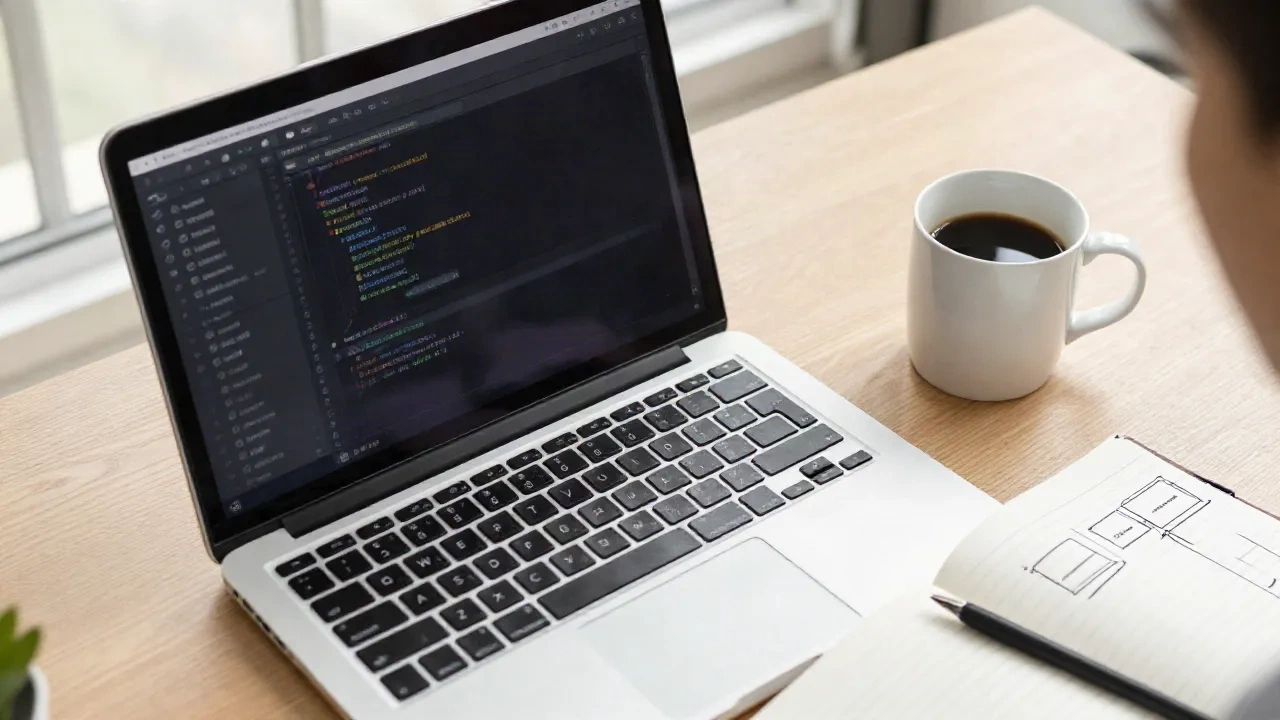
Most coding project ideas for beginners ask you to build something from a blank file: a to-do app, a calculator, a tic-tac-toe board. Those teach syntax. They do not teach the skill you will use every working day, which is reading code someone else wrote and changing it without breaking it. The projects below are built around that gap, and each one ends with a working result you can show.
Why do most beginner project lists leave out the hard part?
Search for this topic and you get the same ten ideas in a slightly different order. A to-do list, a unit converter, a weather app, a portfolio page. Even the better lists, such as the Scrimba guide to beginner projects, sort ideas by language and skill level. That is useful. What none of them cover is debugging, navigating an existing codebase, or extending a project you did not start.
That omission matters. Nobody hires a junior to write a calculator from scratch. They hire them to fix a bug in a service that has 60 files and three years of history. The first two weeks of that job are mostly reading.
You can practise reading from day one. The trick is to pick projects where the starting point is existing code, not an empty editor.
What makes a beginner project worth your time?
Three tests, applied before you pick anything:
It finishes in days, not months. A project you abandon at 60% teaches you less than a small one you ship.
It proves one skill. "I can parse a CSV and print a summary" is a skill. "I built a full social network" is a wish.
It forces a decision you cannot copy. If a tutorial dictates every line, you practised typing.
Skip any project that fails the third test. A follow-along video is fine for week one. After that, the learning happens where the tutorial stops.

Which classic starter projects are still worth building?
Some of the standard list earns its place, as long as you add a constraint.
A command-line to-do manager. Store tasks in a JSON file. Then add one rule: the file format must survive a version change. Add a field in version two and make old files still load. That single constraint teaches migrations, which most beginners meet for the first time in production.
A unit or currency converter. Fetch rates from a free API and cache them. The interesting part is what happens when the API is down. Decide what the user sees, then write that down in the README.
A number-guessing game with a test suite. The game is trivial. Writing tests that cover the edge cases (input of "abc", input outside the range, the same guess twice) is where you learn what "done" means.
Each of these takes a weekend. None of them requires you to read anyone else's code, which is why they are a warm-up and not the main course.
Which projects teach you to read other people's code?
This is the part the standard lists skip. Pick a small open-source project (under 2,000 lines is a good ceiling) and do one of these.
1. Add a flag to a CLI tool. Choose a command-line utility written in a language you are learning. Find the argument parser, add a new flag, wire it to a behaviour, and write a test. You will touch three files and learn how the tool is structured without reading the other 40.
2. Fix a typo-level bug, then a real one. GitHub lets you browse good first issues across public repositories, filtered by language. Start with a documentation fix to learn the contribution flow. Then take an issue labelled as a bug and trace it to the line that causes it.
3. Port a feature from one project to another. Two small libraries solve the same problem differently. Read how each handles one case, such as retrying a failed request, then implement the better idea in the other. You learn more from comparing two implementations than from reading one twice.
4. Write the architecture page nobody wrote. Take a project with thin documentation and draw how a request moves through it. Which file receives it, which function validates it, where it ends up. Submit the diagram as a docs pull request. Maintainers rarely refuse this.
These are harder than a calculator. They are also the closest thing to a first week on a real team.
How do you actually read an unfamiliar repo without drowning?
Beginners open the repo, scroll the file tree, and get lost in 90 seconds. A short routine fixes that.
Read the entry point first. Find
main,index, or the server start file. Follow one request or one command from the top, ignoring everything else.Search for one string you can see. If the app shows an error message, search the repo for that exact text. It lands you on the code that produced it.
Run the tests before you read them. A passing suite tells you what the authors consider the contract.
Write down what you think each folder does, then check. Your wrong guesses are the useful part.
# Find where an error message is produced
grep -rn "Invalid token" src/

# See who last touched that line, and why
git blame -L 42,60 src/auth/verify.py
You have done this before: grep, Ctrl+F, blame, then asking someone. It works, and it gets slow once a repo passes a few hundred files. That is the point where search tools that answer questions about your own code start paying for themselves.
Can AI assistants help a beginner here, or do they get in the way?
Both, depending on how you use them. If you ask an assistant to write the project for you, you learn nothing and cannot explain your own code in an interview. If you ask it to explain a function you do not understand, you get a faster version of what a patient senior would tell you.
A workable rule: let the tool read, and keep the writing for yourself. Ask what a function does, which files call it, and what would break if you changed its return type. Then make the change by hand.
Tools differ in what they know about your repo:
Cursor indexes your project and answers questions inside the editor. It is a good fit when you work in a single repo and want answers next to the code.
GitHub Copilot is the default for inline completion. For a beginner, the risk is accepting suggestions you do not understand. Turn completion down and use the chat panel to ask questions instead.
Aider works from the terminal and edits files through git commits, so every change it makes is reviewable. That makes it easy to see exactly what it did, which suits learning.
Continue.dev is open source and lets you pick the model behind it. Worth a look if you want to read how such a tool is built, which is itself a good reading project.
Skip any of them on your first project. Add one in week three, once you can tell a good answer from a plausible one.
What if you are the one onboarding a junior?
If you lead a team, this list doubles as an onboarding plan. A new engineer who has added a flag to a CLI and traced a bug through a small repo is ready for your codebase much sooner than one who finished ten tutorials.
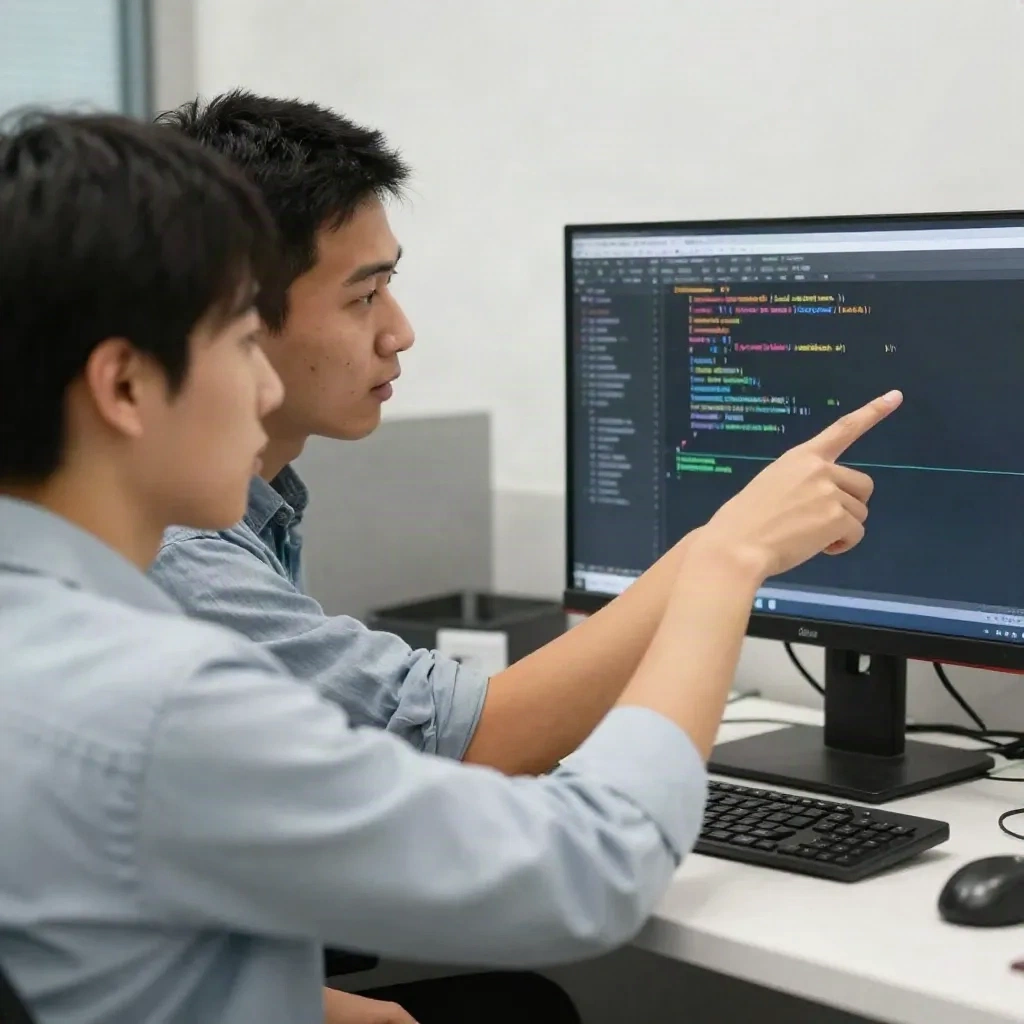
Turn the four reading projects into first-week tasks on your own repo:
Add a log line to one endpoint and find it in staging.
Fix a small, labelled bug with a mentor reviewing the pull request.
Draw the request path for the most important user action.
Write down three questions the README did not answer, and answer them.
The third task is the most valuable. It leaves the team with a diagram they did not have, and it shows you quickly where the new hire's mental model is off. Pair it with a short review the same afternoon, while the details are fresh.
Count the result in days to a first merged change, not in a feeling of progress. If that number is not falling from one hire to the next, the onboarding material is the problem, not the hire.
Which mistakes make beginner projects stall?
Three patterns show up again and again, in learners and in new hires alike.
Starting with the framework. Picking React or Django before you can write a loop in plain code means every error message is a double mystery. Build one project in the bare language first.
Never reading the error. Beginners paste the whole stack trace into a search box. Read the last line, then the first line of your own code in the trace. That pair usually names the problem.
Polishing before it works. A nice UI on a broken feature is a demo, not a project. Get the ugly version running end to end, commit it, and only then tidy.
Fixing these three habits is worth more than any extra project on the list.
How should you pick your first three projects?
Do not pick by language trend. Pick by what you want to be able to say in an interview.
Week 1 to 2: one classic project with a constraint added (the to-do manager with a file migration).
Week 3 to 4: one reading project (add a flag to a small CLI).
Week 5 to 6: one contribution to a real repo, even if it is a docs fix.
Three finished projects with clean commit history beat fifteen half-started ones. Put them on GitHub, write a short README for each that says what you decided and why, and keep the commit messages honest.
What we would actually build first
If you have never shipped anything, build the CLI to-do manager this weekend, with the file-format constraint. Next week, pick a tiny open-source tool and add one flag to it.
Skip the weather app. Everybody has one, and it proves only that you can call an API. A merged pull request in someone else's repository proves you can read, change, and test code you did not write, which is the job.