AI for Developers Who Read More Than They Write
Most AI for developers writes new code. Codebasechat answers questions about the code you already have, with the file and the line.

Adoption is high. Trust is not.
What developers actually need from AI
Six questions that eat hours in every team, and that a code generator cannot answer.
Find where X lives
Ask where billing retries or session expiry are implemented. Get the file and line instead of a grep session across forty folders.
Learn the local conventions
See how errors, logging and config are handled in the service you are editing, so new code follows the pattern already in place.
Follow calls across repos
Trace a function through a monorepo or six separate repos before you change its signature and break a caller you never saw.
Ramp new hires faster
A junior can ask the repo the questions they hesitate to ask a teammate, and get answers that match your code, not generic docs.
Docs that stay current
Architecture notes regenerated on each push, so the map of how a service is wired is never three quarters old.
Context for reviewers
A summary of what a pull request touches and which call sites it affects, so review time goes where the risk is.
From connected repo to confident change
Four steps. No migration, and nothing to rewrite in your current setup.
-
1
Connect your repos
Point codebasechat at your Git provider with read-only access. On the self-hosted plan, code never leaves your infrastructure.
-
2
Ask in plain English
Where is auth wired? Which module owns invoices? You get the file, the line and the reasoning, in VS Code or JetBrains.
-
3
Take the answer into your tool
Paste the helper name or convention into Cursor, Copilot or Aider. Your generator now works from your code instead of a guess.
-
4
Review with the full picture
Open the pull request and read the affected call sites first. Spend human attention where the change can break something.
Understand a service before you touch it
Every team has a service that one person understands. When that person is out, a two-line change takes a day, because nobody knows what depends on it. Ask codebasechat how the service is wired and which parts call it. You get an answer grounded in the repo, with links to the files. It will not write the change for you. It makes sure the change you write is the right one.
- Answers point to the actual file and line, not a stale wiki page
- Works on a repo you did not write and have not read yet
- Shows dependencies across packages and repositories

Shorten the first two weeks of a new engineer
The slow part of onboarding is not setup, it is the hundred small questions about how things work here. Each one interrupts a senior engineer for ten minutes. Give newcomers a place to ask the repo directly. Seniors keep their focus, and the new hire builds a mental model from real answers instead of a stale document.
- Questions answered without pinging a teammate
- Answers cite the source so juniors learn where to look next
- Measure it: days to first merged pull request

Review large diffs without reading blind
A 40-file diff is where review quality drops, because every line looks reasonable on its own. Codebasechat summarizes what a change touches and which parts of the codebase it depends on. A reviewer unfamiliar with the area knows where to look first. It narrows where human review has to happen. It does not replace it, and the merge decision stays with you.
- Surfaces call sites a change affects, even across repos
- Flags code that has had no recent owner
- Keeps the human decision on the merge
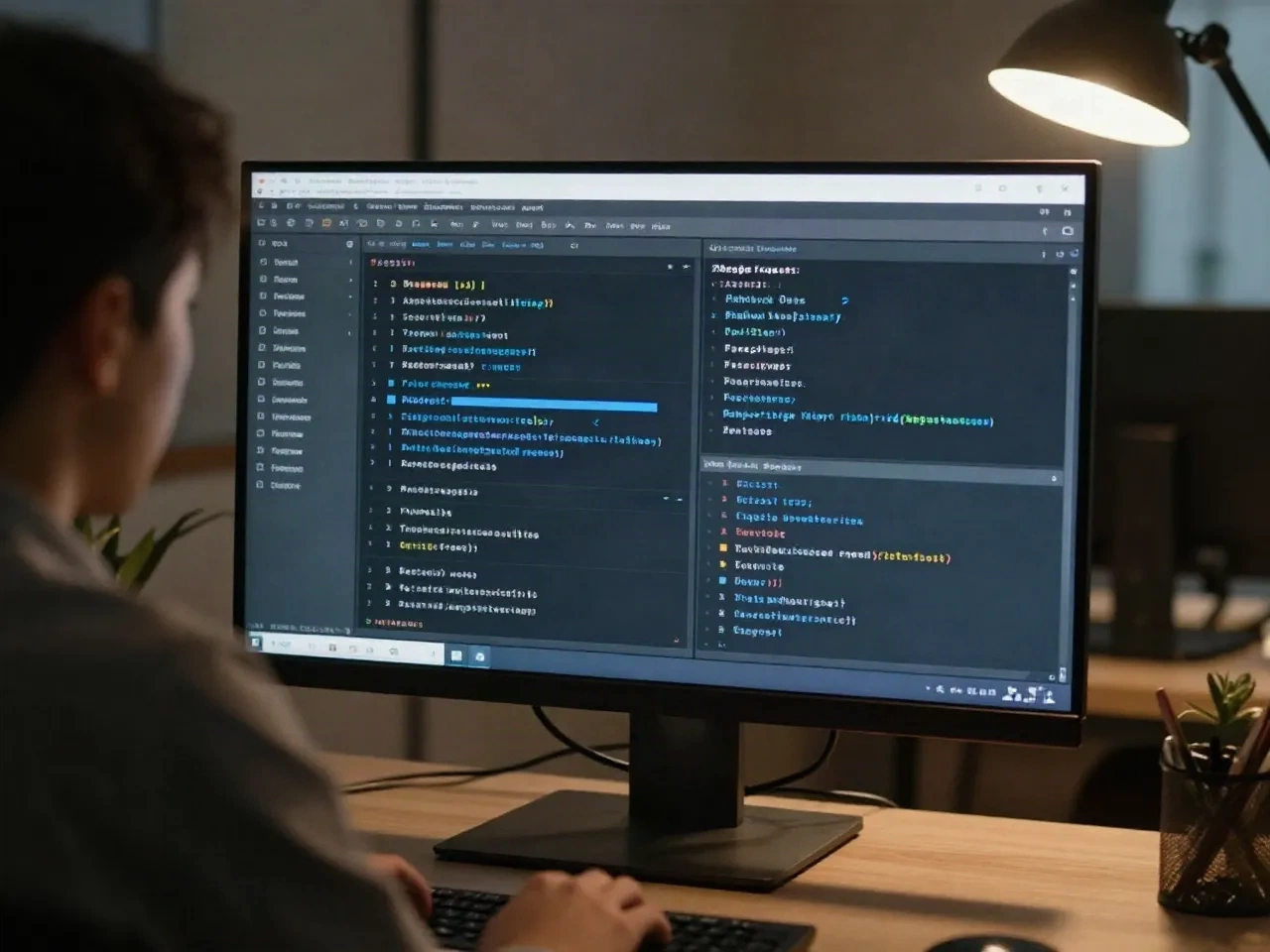
Code generators write. Codebasechat explains.
They are complements. The table shows which job each is built for.
| Job | Codebasechat | Typical AI code generator |
|---|---|---|
| Writes new code from a prompt | No | Yes |
| Answers where X is implemented, with file and line | Yes | Partial, depends on open files |
| Reasoning across several repos | Yes, on Pro | Varies by tool and plan |
| Summarizes what a pull request affects | Yes | Rarely |
| Architecture docs refreshed on each push | Yes | No |
| Self-hosted or VPC option | Yes, on Team | Varies by tool |
Pricing
Three tiers. No seat minimum on the free plan.
Free
For individuals trying it on one repo
- 1 repo indexed
- 50 questions per month
- IDE extension for VS Code and JetBrains
- Community support
Pro
For teams of 5 to 50
- Unlimited repos, multi-repo reasoning
- Unlimited questions
- Auto-generated architecture docs
- PR context for reviewers
- Slack integration
- Priority support
Team
For 50+ engineers or regulated environments
- Self-hosted or VPC deployment
- SSO and audit logs
- Dedicated onboarding
- SLA-backed support
Common questions
What does AI for developers actually cover?
Is AI for developers worth it for a team of 5 to 50?
Does codebasechat write code for me?
Can I trust AI answers about my own code?
Does my code leave my infrastructure?
Which editors and Git providers work?
How is it different from asking a chatbot about my code?
What does it cost?
Ask your codebase its first question
Connect one repo on the free plan. If the answers do not hold up on your real code, you will know in an afternoon.